Which GPU for which ComfyUI workflow
| Workflow | Memory needed | GPU at Strata | On demand |
|---|---|---|---|
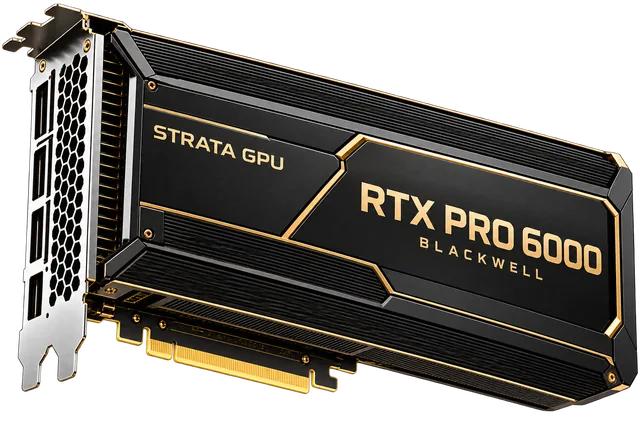
| SDXL, Flux images, LoRAs, upscalers | Fits comfortably in 96 GB with several models loaded | RTX PRO 6000 96GB | $2.03/hr |
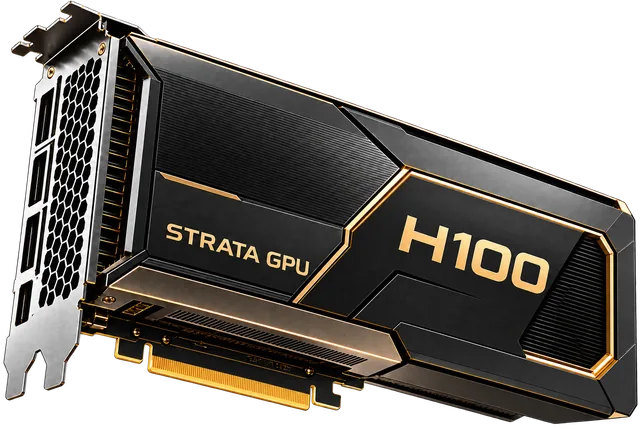
| Open video models (Wan, Hunyuan Video) at high resolution | ≈ 40–80 GB | RTX PRO 6000 or H100 80GB | $2.03–$3.23/hr |
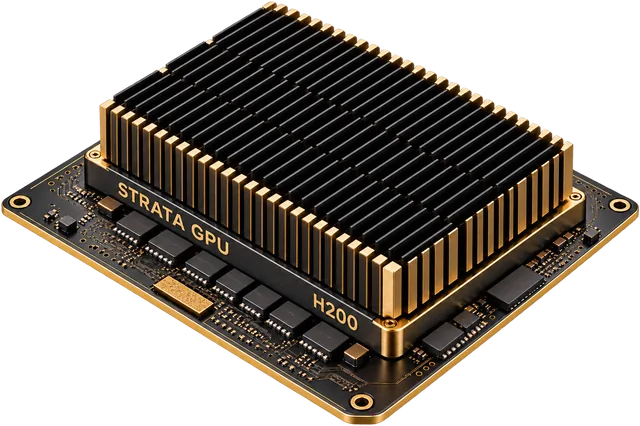
| Longer clips, several video models loaded | Over 80 GB | H200 141GB | $4.31/hr |
| Light image work, small models | 24–32 GB | RTX 4090 / RTX 5090 | On request |
Strata list prices per GPU-hour, billed per minute on demand. Prices as of 2026-11-10.
For most ComfyUI users the RTX PRO 6000 is the best value: enough memory for Flux plus upscalers and LoRAs, hardware video encoders for the final output, and a lower hourly rate than HBM data-center GPUs.
How to set up ComfyUI on a rented server
- 1. Rent the GPU. Start on demand; a 30-minute session is billed for 30 minutes.
- 2. Use a container. Bring your own ComfyUI image or start from a PyTorch/CUDA image and install ComfyUI and your custom nodes.
- 3. Load models once. Keep checkpoints, LoRAs and VAEs in one models folder and script the download, so a new server is ready in one step.
- 4. Connect safely. Open the ComfyUI web interface through an SSH tunnel or put it behind a login; do not leave its port open to the internet.
- 5. Stop the server when you finish. On demand bills while the server is allocated, busy or idle.
From hobby sessions to a production pipeline
Occasional sessions are cheapest on demand, billed per minute from a prepaid balance. If you generate images or video every day for clients, run ComfyUI as a queue of jobs across several GPUs: reserve a small cluster for steady volume (3–14% below on demand on 3–36 month terms) and add on-demand GPUs for campaign peaks. Dedicated servers are not shared with other customers, which matters if you work with client assets. More in GPU servers for image and video generation.
How other options compare
Hosted ComfyUI services, including the official one, need no server setup; check which custom nodes and models they allow and how they bill. Marketplaces such as Vast.ai and RunPod Community Cloud usually have cheaper consumer GPUs per hour, but hosts vary in reliability. Strata suits users who want data-center GPUs with 80–141 GB of memory, dedicated servers that are not shared with other customers, fixed list prices and payment by card, bank transfer, USDT or USDC. Check each provider's current prices on its own pricing page.