What is the quickest way to run a 1-hour H100 benchmark?
Fast path:
- Create an account and follow the steps in How to rent a GPU server.
- Top up your prepaid balance (card, bank transfer, USDT or USDC).
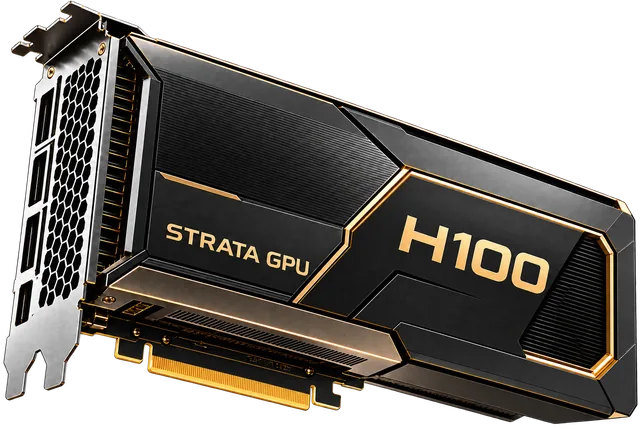
- Launch 1× H100 80GB on demand from the H100 page.
- Select a PyTorch/CUDA image, run your script, then stop the server.
On-demand time is billed per minute from a prepaid balance.
How much will a 60-minute test cost?
Billing is per minute. A ~60-minute run on one H100 costs about $3.23. Shorter tests scale linearly; for example, a 20-minute test costs roughly one third of the hourly rate.
When is one GPU enough, and when should I choose another setup?
- Up to 13B models: one H100 handles typical benchmarks (LLM inference guide).
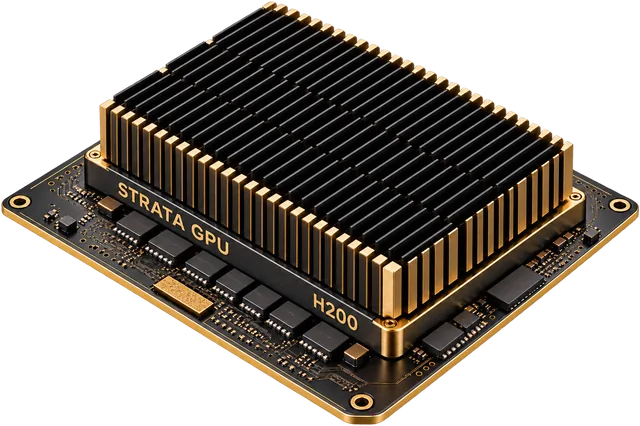
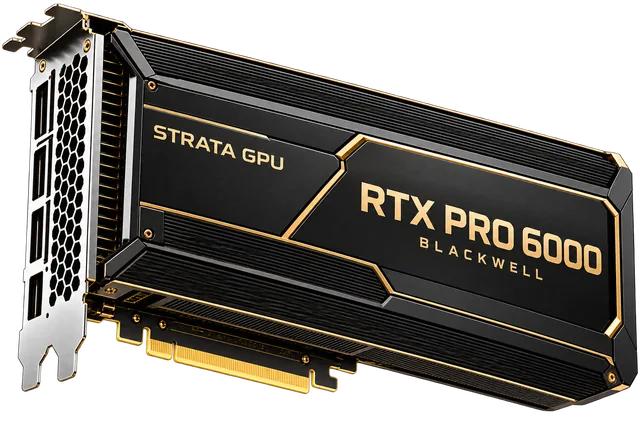
- 70B in 16-bit needs about 140 GB, so it runs on two H100s; in 8-bit it fits on one H200; in 4-bit it fits on one RTX PRO 6000 (H100, H200, RTX PRO 6000).
- If you later need multi-GPU or steady capacity, reserved clusters are available on 3–36 month terms (on demand vs reserved).
How does this compare to marketplaces for a 1-hour test?
- Marketplaces are usually the cheapest per hour and fine for ad-hoc tests, but they rent other people's servers.
- Strata rents dedicated servers from Tier III datacenter partners, so a 1-hour result reflects hardware you can later reserve on fixed terms.
- For current provider rates, see H100 rental price.